
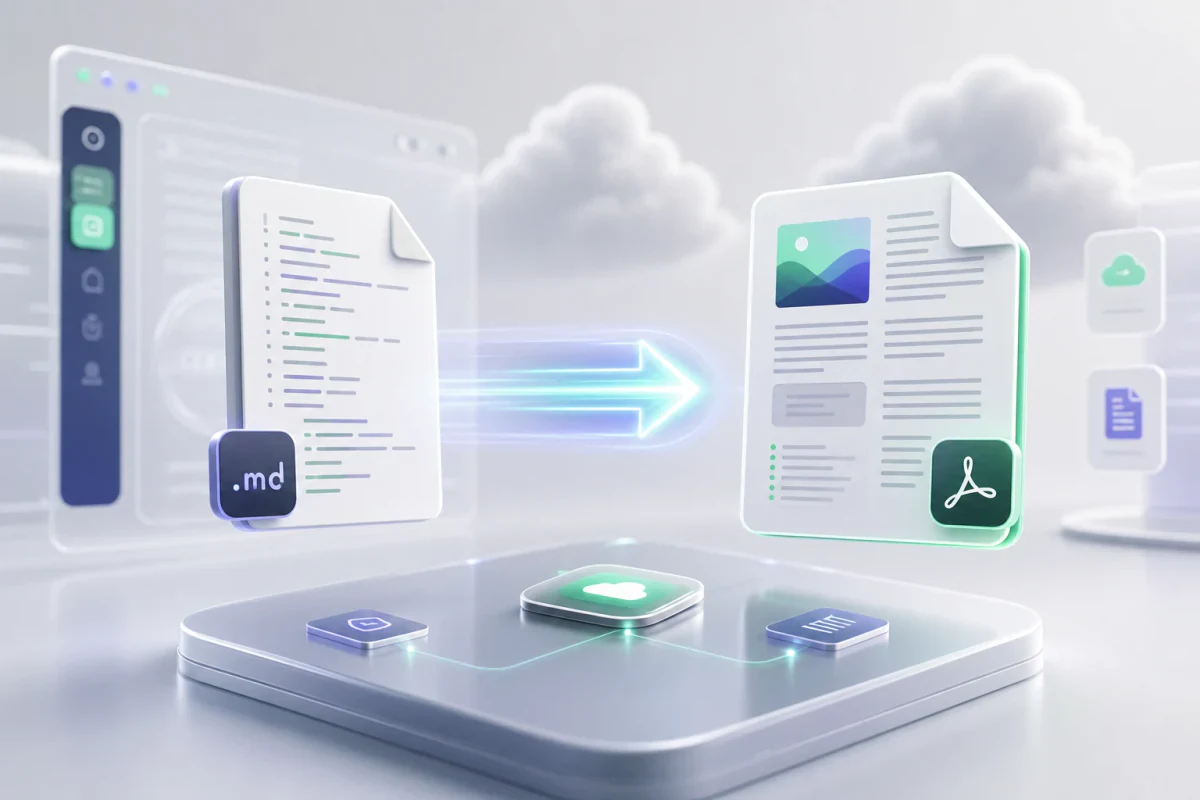
Markdown has become one of the most popular writing formats for developers, technical writers, students, and teams that need clean and structured documentation. Whether you are creating project documentation, README files, notes, or technical guides, Markdown makes writing faster and more organized.
But there is one common problem.
At some point, you need to share that content in a professional format such as PDF.
This is where a Markdown to PDF Converter becomes useful.
In this guide, we will explain how Markdown works, why converting Markdown to PDF is important, and the easiest way to convert Markdown files online.
What is Markdown?
Markdown is a lightweight markup language created for writing formatted content using plain text.
Instead of using complex formatting tools, Markdown allows users to structure content with simple syntax.
Example:
[object Promise]Markdown is widely used by developers because it is fast, clean, and easy to read.
Popular platforms that use Markdown include:
Why Convert Markdown to PDF?
Markdown files are excellent for writing and editing, but they are not ideal when you need to share documents professionally.
Converting Markdown to PDF helps in several situations.
Professional Document Sharing
PDF files maintain consistent formatting across all devices.
This makes them perfect for:
- Reports
- Documentation
- Business proposals
- Technical manuals
- Client deliverables
Better Printing Support
PDF files are optimized for printing while Markdown files are plain text documents.
Universal Compatibility
Anyone can open a PDF file without requiring special Markdown editors.
Common Problems with Manual Markdown Conversion
Many users convert Markdown files manually using desktop software or command line tools.
This often creates problems.
Formatting Breaks
Complex formatting like tables, code blocks, and nested lists may not render correctly.
Requires Technical Knowledge
Some tools require installation and terminal commands.
Slow Workflow
Switching between editors and converters wastes time.
For teams and developers, this slows productivity.
The Easiest Way to Convert Markdown to PDF Online
Using an online Markdown to PDF Converter removes all unnecessary steps.
A good converter should allow instant conversion directly in the browser — like our Markdown to PDF tool, which runs entirely client-side so your content never leaves your device.
The ideal workflow is simple.
Step 1: Paste or Upload Markdown Content
Open the online editor and add your Markdown text directly, or drag and drop a .md file.
Step 2: Preview Formatting
Check headings, lists, tables, code blocks, and styling in the live preview before you export.
Step 3: Export as PDF
Click the export button on the Markdown to PDF converter and instantly download the PDF file.
No installation required.
Features You Should Look For
Not all Markdown converters are the same.
Choose a tool that includes these features.
Live Preview
Instantly see how your Markdown will look before exporting.
Fast PDF Generation
Generate documents in seconds.
Secure Processing
Your files should remain private and processed securely. Client-side converters keep content on your device.
Code Block Support
Developers often include code snippets inside documentation.
A good converter must preserve formatting.
Table Rendering
Markdown tables should convert perfectly into PDF layouts.
Mobile Compatibility
The converter should work on desktop, tablet, and mobile devices.
Who Uses Markdown to PDF Converters?
This type of tool is useful for many professionals.
Developers
Generate technical documentation and project reports.
Students
Convert notes and assignments into PDF format.
Technical Writers
Create structured manuals and documentation.
Teams
Export meeting notes and shared knowledge documents.
Open Source Contributors
Convert README files into printable documentation.
Markdown to PDF vs Traditional Document Editors
Traditional editors like Word are useful, but Markdown offers major advantages.
| Markdown | Traditional Editors |
|---|---|
| Faster writing | Slower formatting |
| Plain text format | Heavy formatting tools |
| Developer friendly | Less coding focused |
| Easy version control | Difficult collaboration |
| Perfect for documentation | Better for office work |
Markdown is often preferred by modern technical teams.
Why Online Tools Are Better Than Desktop Software
Desktop tools often require installation and updates.
Online tools offer several benefits.
- No installation required
- Works instantly in browser
- Access from any device
- Faster workflow
- Better collaboration
For modern users, web based conversion tools save time.
Final Thoughts
Markdown is one of the best formats for writing clean, structured, and developer friendly content.
But when you need professional sharing, printing, or universal compatibility, PDF remains the best format.
A modern Markdown to PDF Converter makes this process simple.
Instead of complicated desktop software or command line tools, you can convert Markdown to PDF online in seconds and keep your workflow efficient.
If you regularly work with Markdown documents, using a reliable online converter will save time and improve productivity.
Frequently Asked Questions
Can I convert Markdown to PDF for free?
Yes. Many online tools allow free Markdown to PDF conversion directly in the browser. PDFWritter is free with no account required.
Does Markdown formatting stay intact?
A good converter preserves headings, tables, code blocks, and lists.
Is online Markdown conversion secure?
Trusted converters process files securely without storing content permanently. Client-side tools never upload your documents to a server.
Can I convert large Markdown documents?
Yes, most modern tools support large documentation files.
Related Tools
- Markdown to PDF converter — instant browser-based export
- Online Markdown editor — write and preview before export
- Markdown to HTML — publish on the web
- How to convert Markdown to PDF — quick step-by-step tutorial